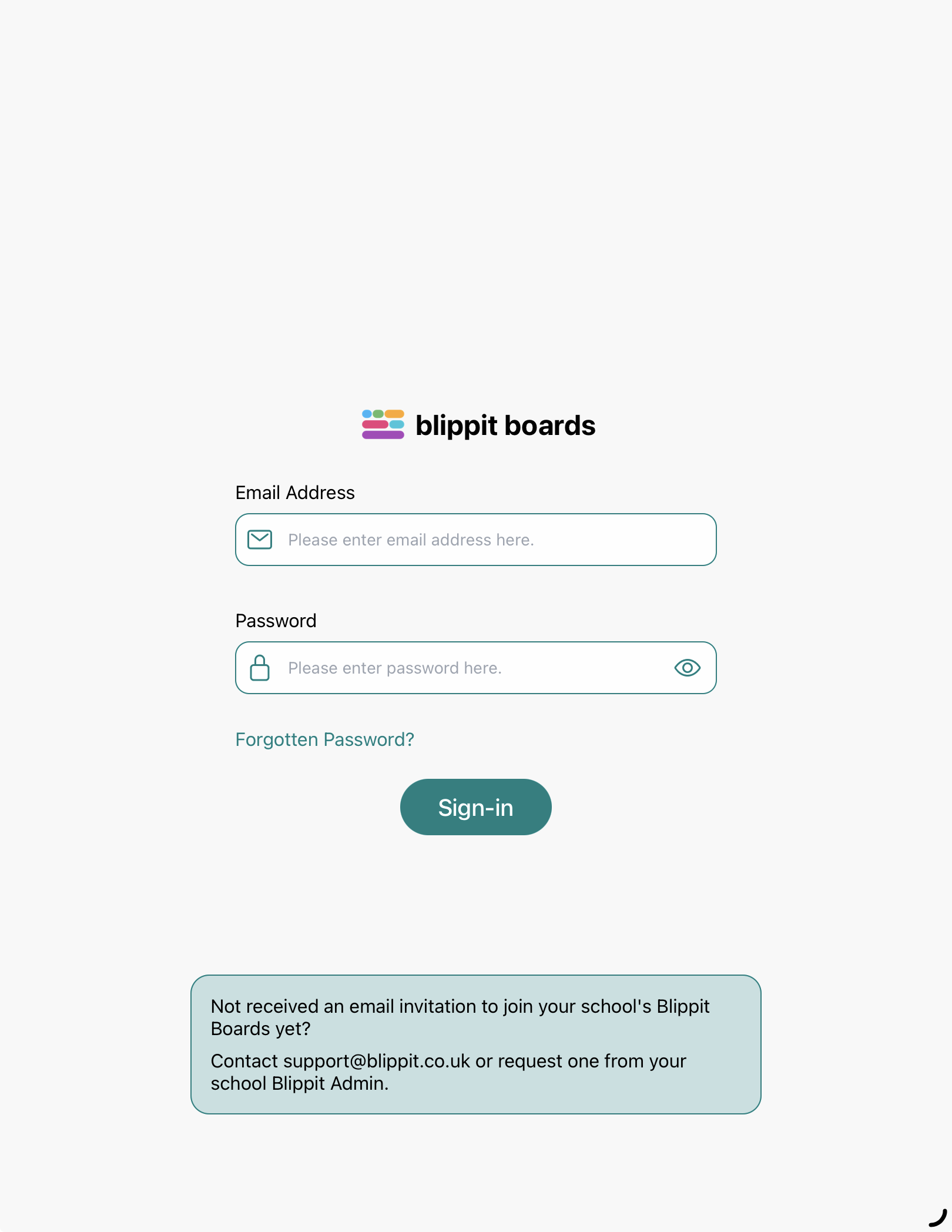
If you’ve forgotten your Blippit Boards password, you can reset it yourself from any Blippit Boards login page (the app login shown below or user manager web login).
When you request a reset, you’ll receive an email with a password reset link. This link is active for 60 minutes. If it expires, simply start the process again to receive a fresh link.

How to reset your password
Click or tap Forgotten password on the login page
Enter your account email address
Select Reset password
Check your email inbox for a message from Blippit Boards
Click or tap the link in the email
Set your new password
Log back into Blippit Boards
If you don’t receive the reset email
Try the following:
repeat the steps above to make sure your email address was entered correctly
check your junk or spam folder
ask your IT support to add this email address to your school allow list: