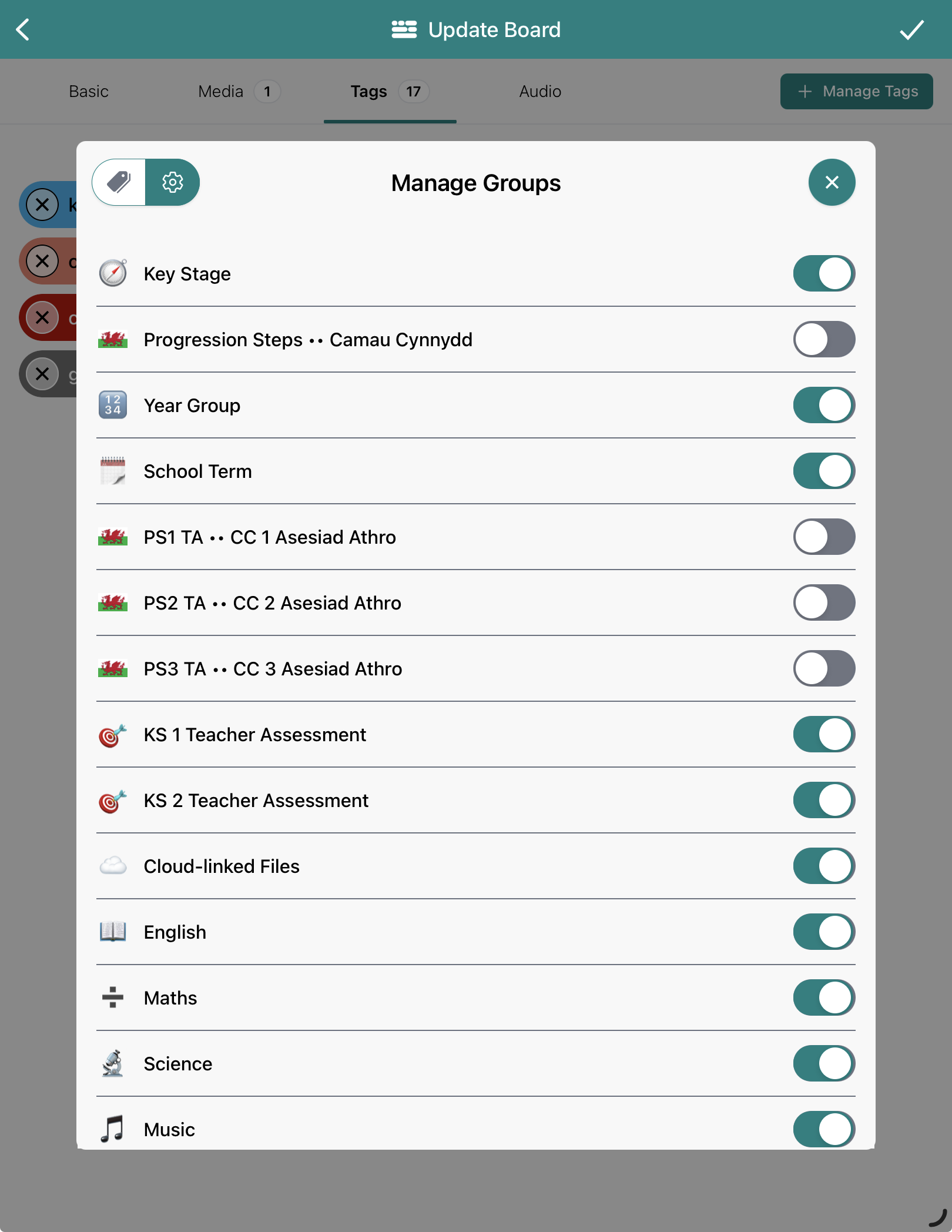
Any Admin account holder can log in to the Dashboard at boards.blippit.app to remove any unwanted tag categories from Blippit Boards for all teachers all in one go. This is the easiest way to ensure ALL teachers see exactly the same collection of tag categories. Teachers can also choose to hide other tag categories they see in the app if needed for even greater customisation.
When you first use the app, Blippit Boards shows ALL available tag categories by default until a school Admin has hidden the ones school doesn't need. Even after this has been done, you can still hide other categories if you want to customise further due to your role.
Schools in Wales have categories with the Welsh flag in their title for easy identification when choosing to hide or show them.
Blippit caters for schools who use different accreditation frameworks. Hide or show these as needed. e.g.
This shows (below) how teachers can individually hide or show tag categories for additional customisation.