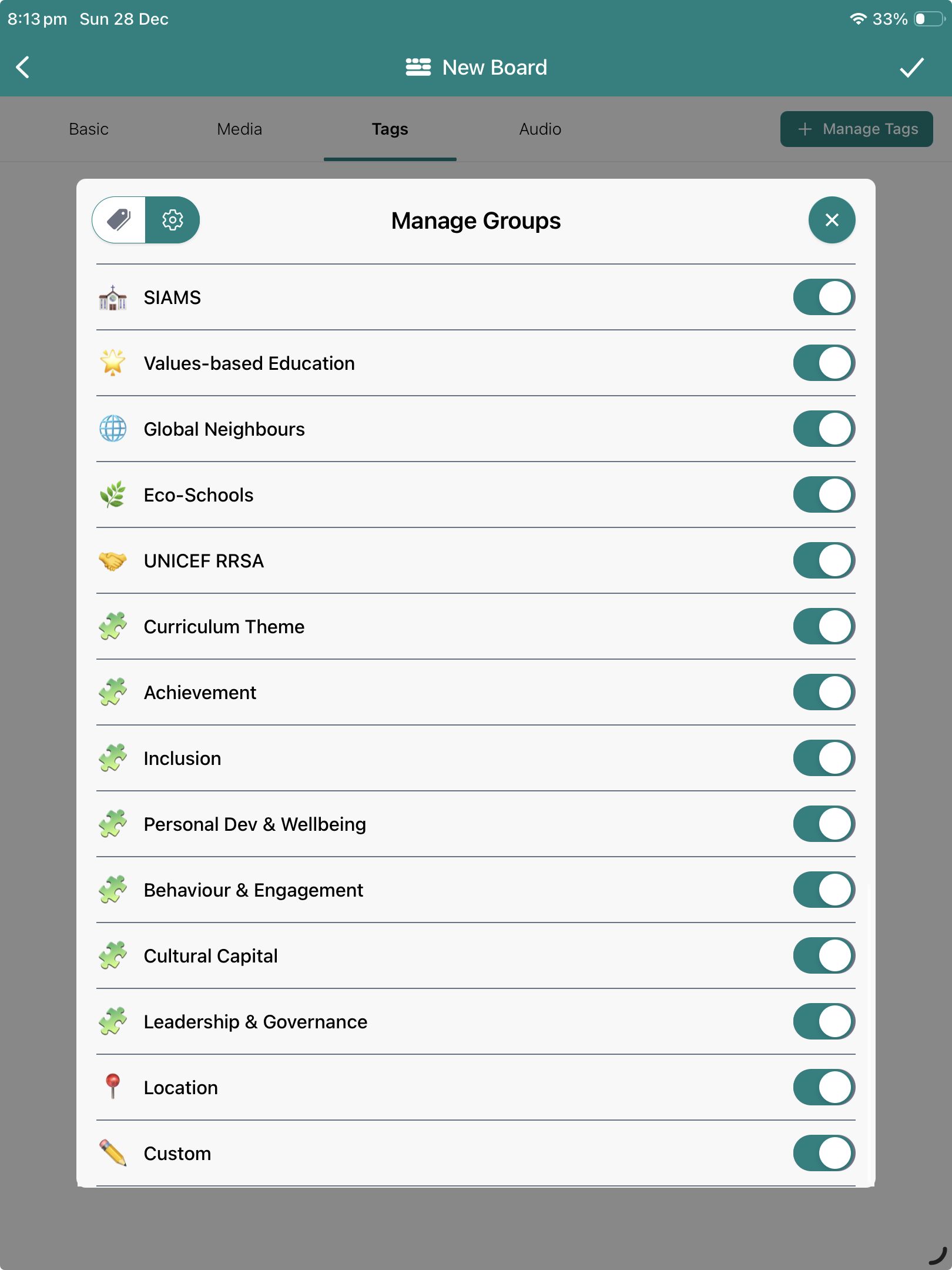
Showing or hiding the Ofsted Tag Cateogories
Each of the Ofsted tag categories is labelled with a jigsaw icon 🧩 to make them easy to find and de/activate all seven. Two of these categories previously existed previously as 'Accessibility' (now 'Inclusion') and 'Governor Monitoring' (now 'Leadership & Governance')
By default, these 7 categories are are visible and ready for use but, if you don't want to, or they're not relevant in your setting, then they can be hidden. The latest and fastest method to hide the Ofsted categories for everybody, or any other category, works equally well and gives teachers one less thing to do at set up.