Not seeing what you expected on the board timeline? (2026 app ver. 3+)

January 1, 2026

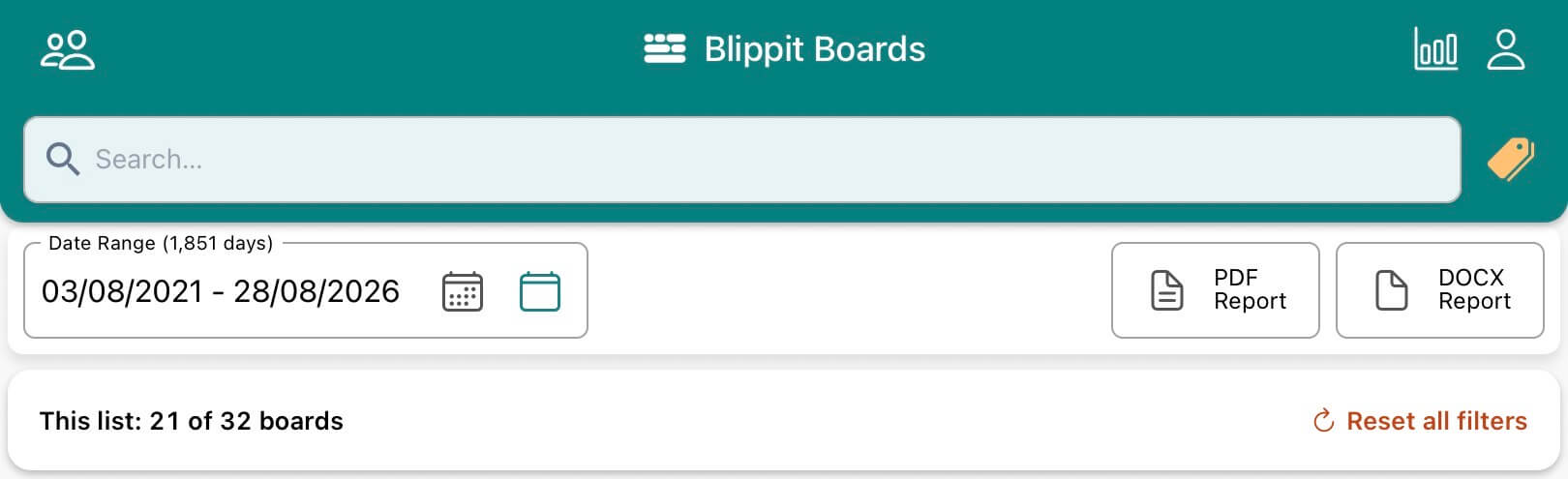
In the app, all moments shared by teachers as boards are listed in chronological order with most recent at the top.

The view will change for different reasons and can be reset as described in each case.

  1. the date range is changed e.g. you only want to see moments shared from the start of term this year until the present day
    • tap the calendar icon in the date range filter -> tap 'Clear Range'
  2. tags have been applied to filter the timeline and show moments shared that match all tags applied e.g. 'oracy' + 'ks 1'. All other boards not matching this criteria will not be shown.
    • tap 'Clear' in the tag filter panel
  3. as with reason two, but tags are applied and set to filter on any.
    • tap 'Clear' in the tag filter panel
  4. the option to see 'My Boards' may be selected on the profile menu
    • untick to reset the timeline
  5. the option to see 'My Bookmarks' may be selected on the profile menu
    • untick to reset the timeline
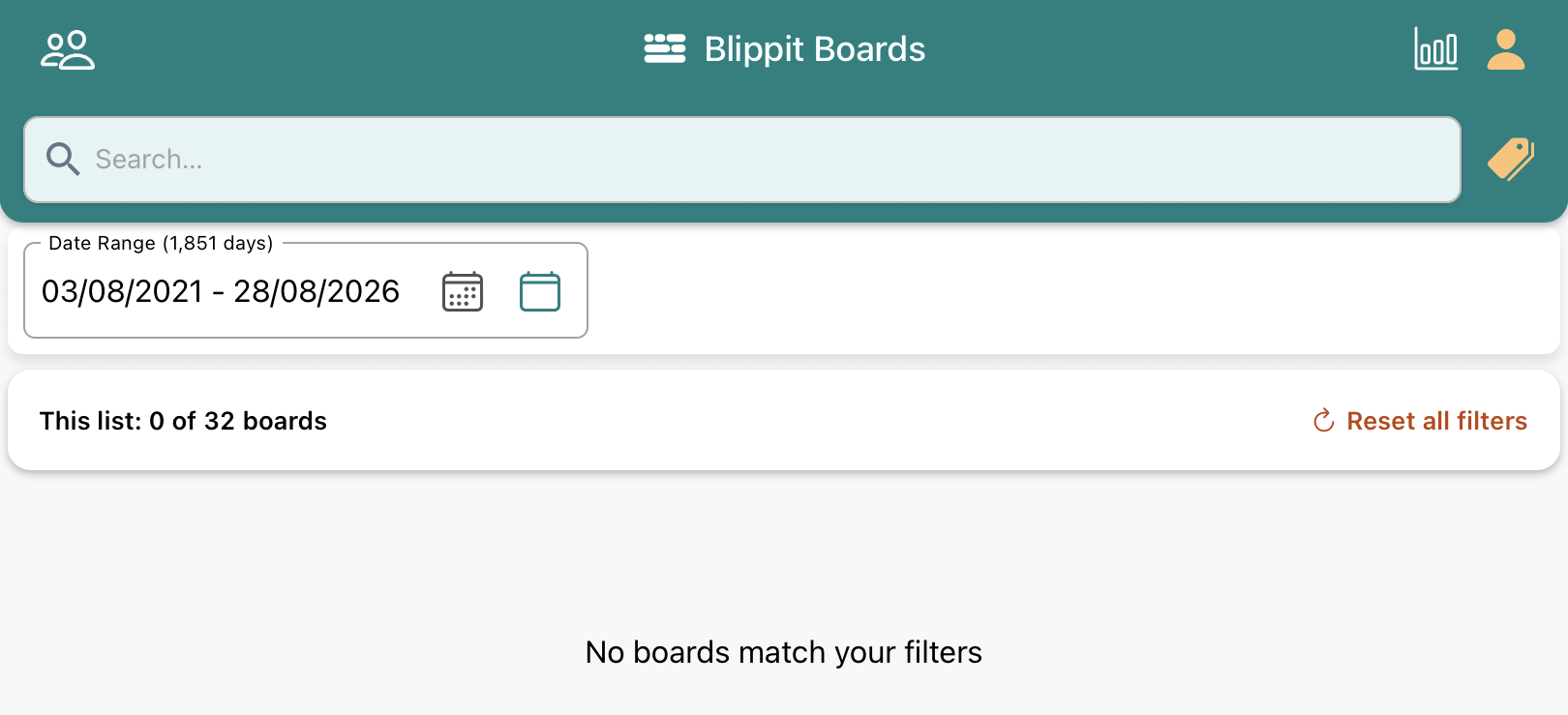
Is your screen empty with no boards visible?

Check through the five reasons listed above. The reason could also be that no boards have yet been created.

Downloads